When purchasing a color label printer, what key metrics should you prioritize?
The color label printer market varies widely in quality, and many B2B buyers are misled by inflated specifications. This article outlines 6 key procurement criteria to help businesses mitigate risks and select high-value commercial equipment.
Color label printers are widely used across B2B sectors including retail, manufacturing, logistics, creative industries, and cross-border e-commerce. They serve as core equipment for enterprise office operations, channel stocking, and ODM customization. With numerous brands and inconsistent specifications on the market, many B2B procurement teams and distributors risk being misled by false parameters or underpowered products sold at high prices during bulk purchases. This can lead to incompatible equipment, lack of after-sales support, and excessive consumable costs. To help users select the right devices and mitigate procurement risks, this guide outlines six critical metrics to consider when purchasing color label printers—ensuring suitability for bulk B2B procurement, commercial deployment, and long-term use.
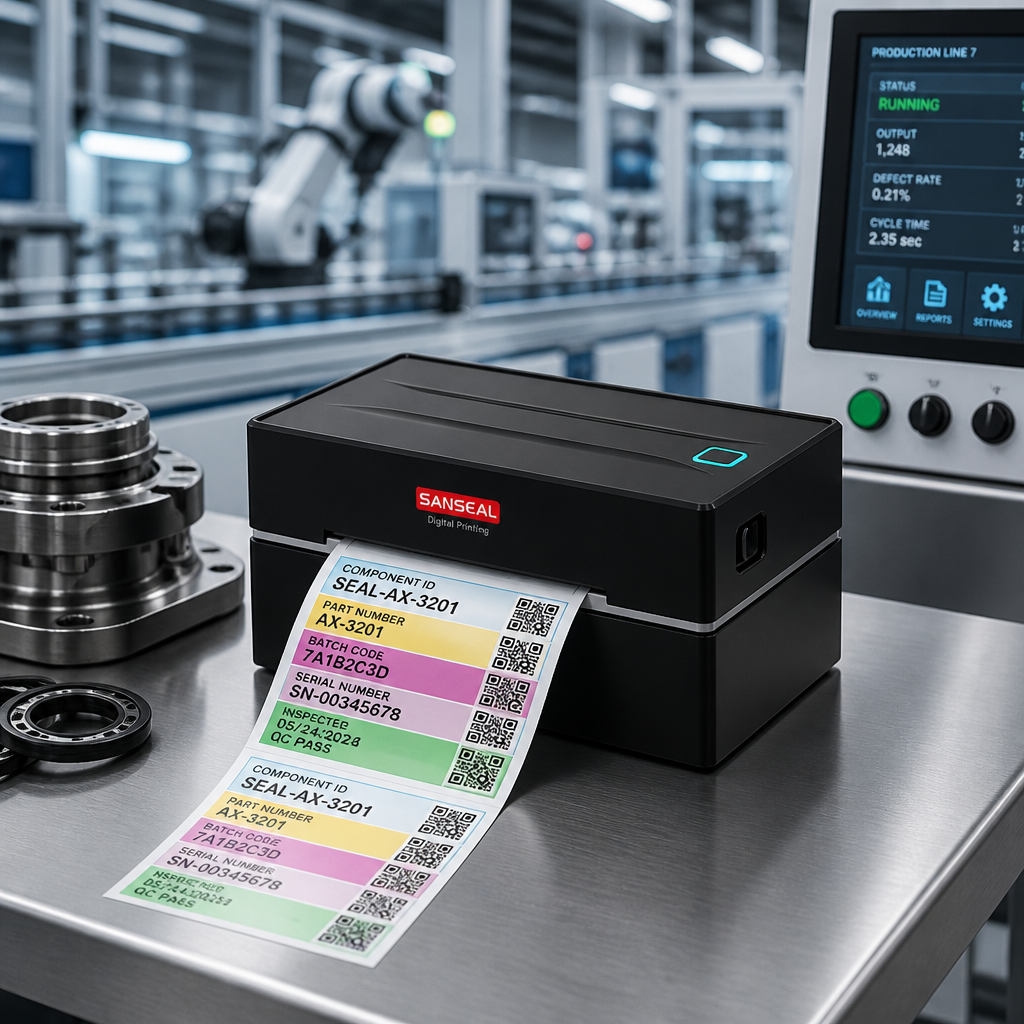
First,Print Resolution and Print AccuracyDecide on commercial deployment compatibility. Resolution is the core metric for label printing clarity. B2B commercial scenarios must select devices with 300DPI DPI or higher to clearly print fine text, precise barcodes, colorful logos, and gradient patterns, meeting high-end commercial needs such as product labels, traceability labels, and compliant color-coded labels. Devices at 203DPI DPI or lower are low-end models that only support basic text printing, resulting in blurry graphics and low barcode recognition rates, making them unsuitable for scaled commercial use; careful vetting is required during procurement. Additionally, verify whether the device supports high-definition color calibration to avoid issues like color distortion or significant color differences.
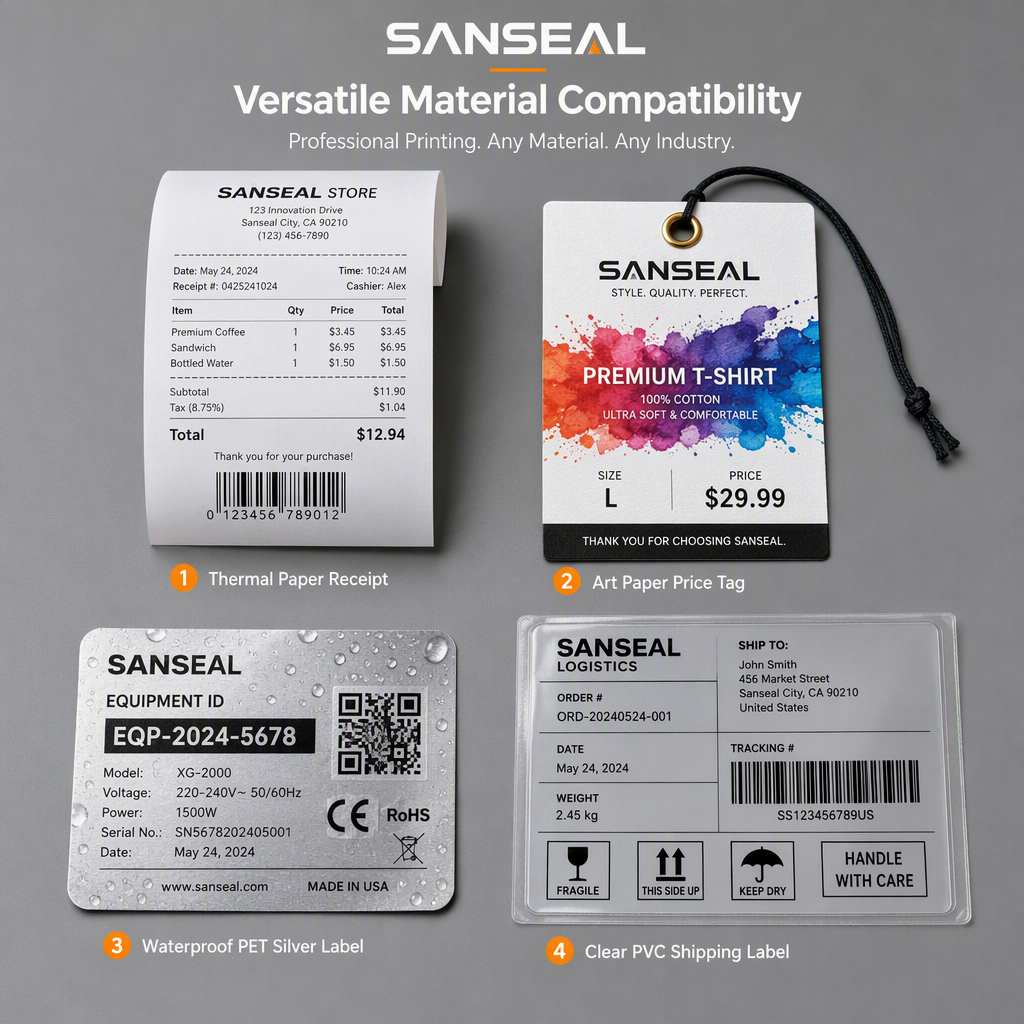
Second,Material Compatibility and Print AreaDecide on scenario versatility. Label materials and sizes vary significantly across industries; confirm the device's supported print media types and width range during procurement. High-quality commercial devices support common materials such as thermal paper, coated paper, PET, PVC, waterproof laminated paper, and adhesive stickers, accommodating special scenarios like moisture resistance, scratch resistance, and high-temperature tolerance. Additionally, they must offer adjustable width capabilities to print small barcode labels, medium product labels, and large traceability labels, enabling a single device to serve multiple scenarios and reducing equipment procurement costs.
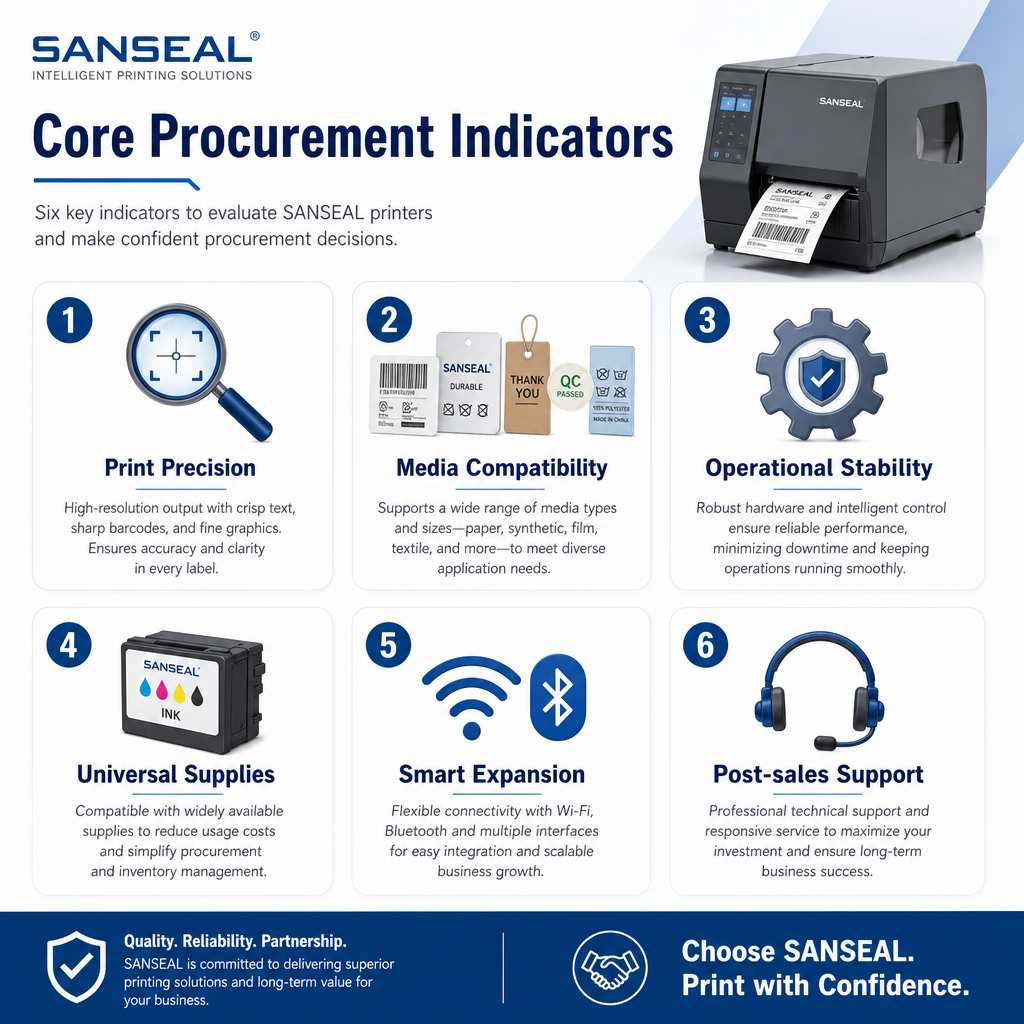
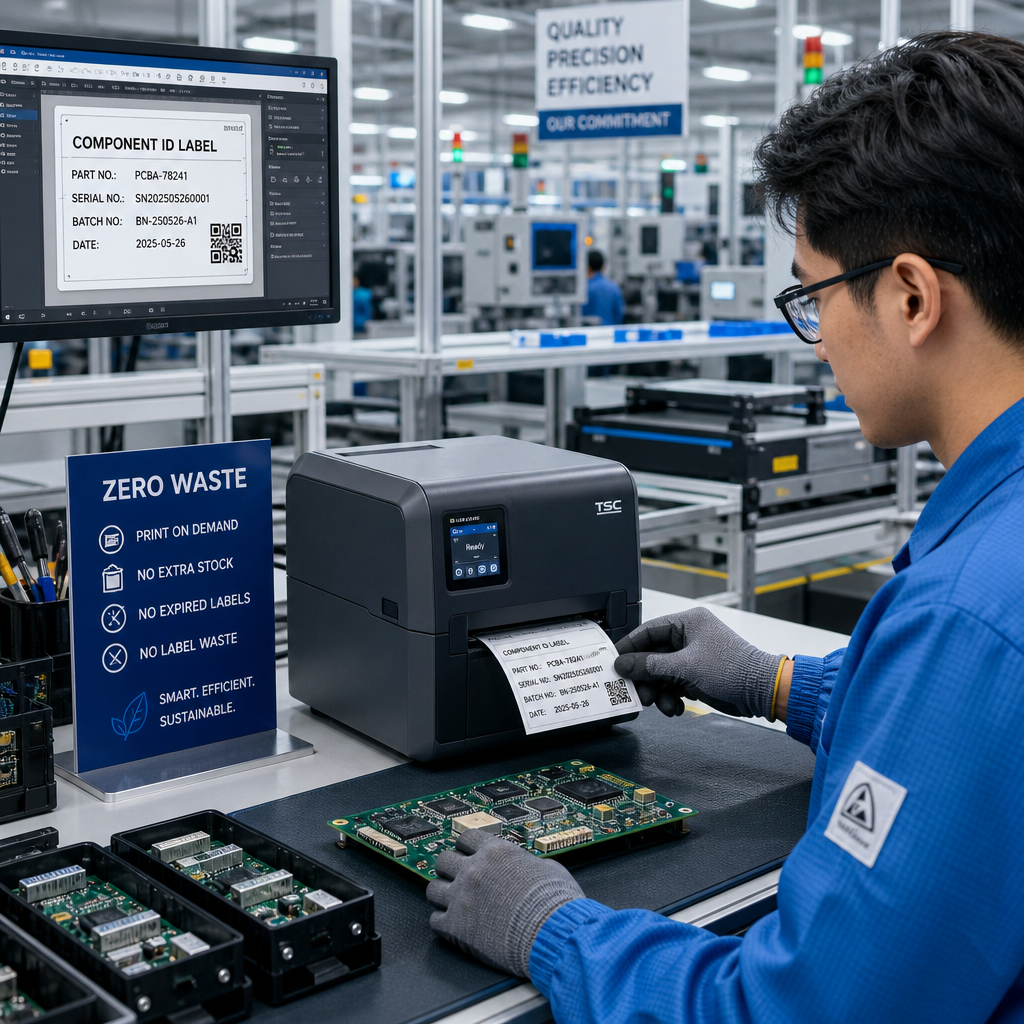
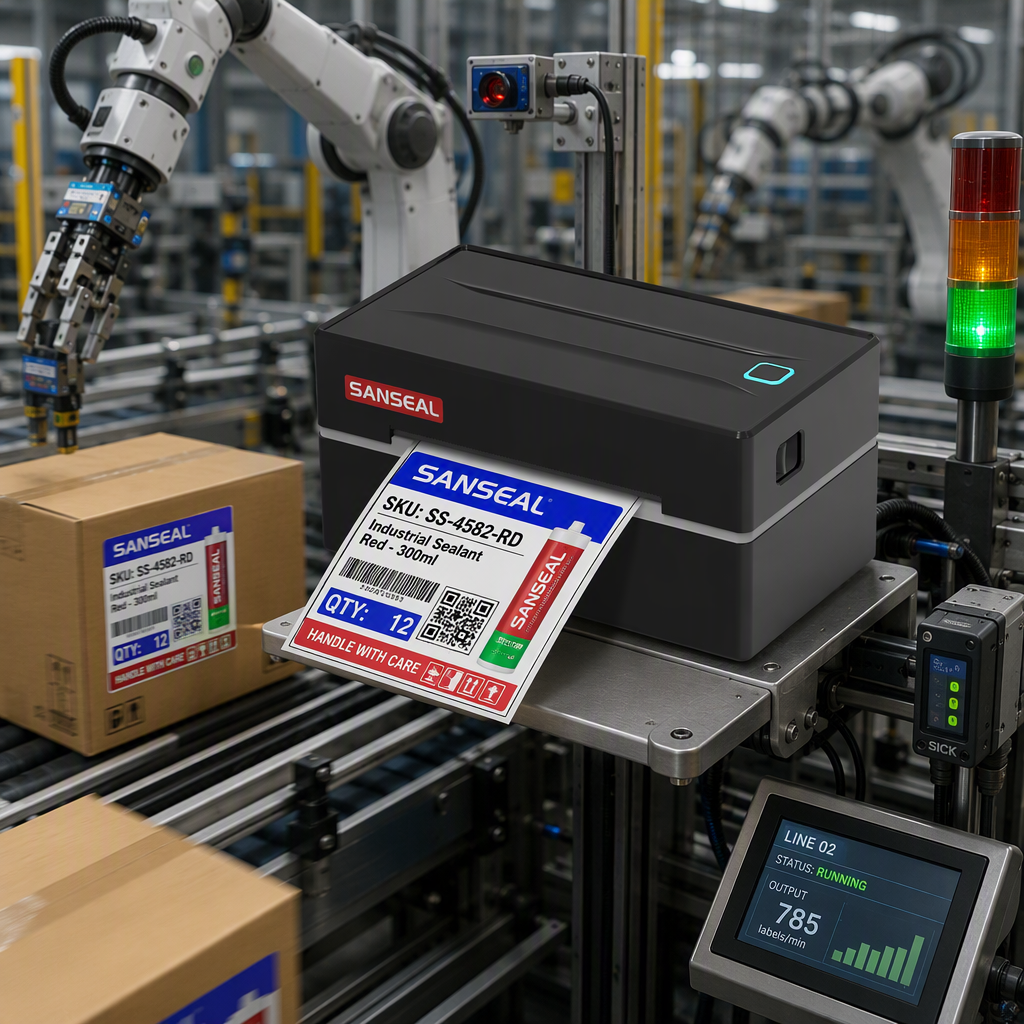
Third,Continuous Operation Stability and SpeedOptimized for high-volume commercial use. B2B enterprises typically handle large-scale, frequent printing tasks where device reliability is critical. Procurement should prioritize continuous printing capability, anti-jam design, thermal management, and drive mechanisms. Select devices equipped with metal transmission gears, intelligent cooling systems, and anti-jam structures to support extended batch printing without ink breaks, paper jams, or image misalignment. Ensure consistent, stable print speeds tailored for high-frequency operations in warehouses and retail stores.
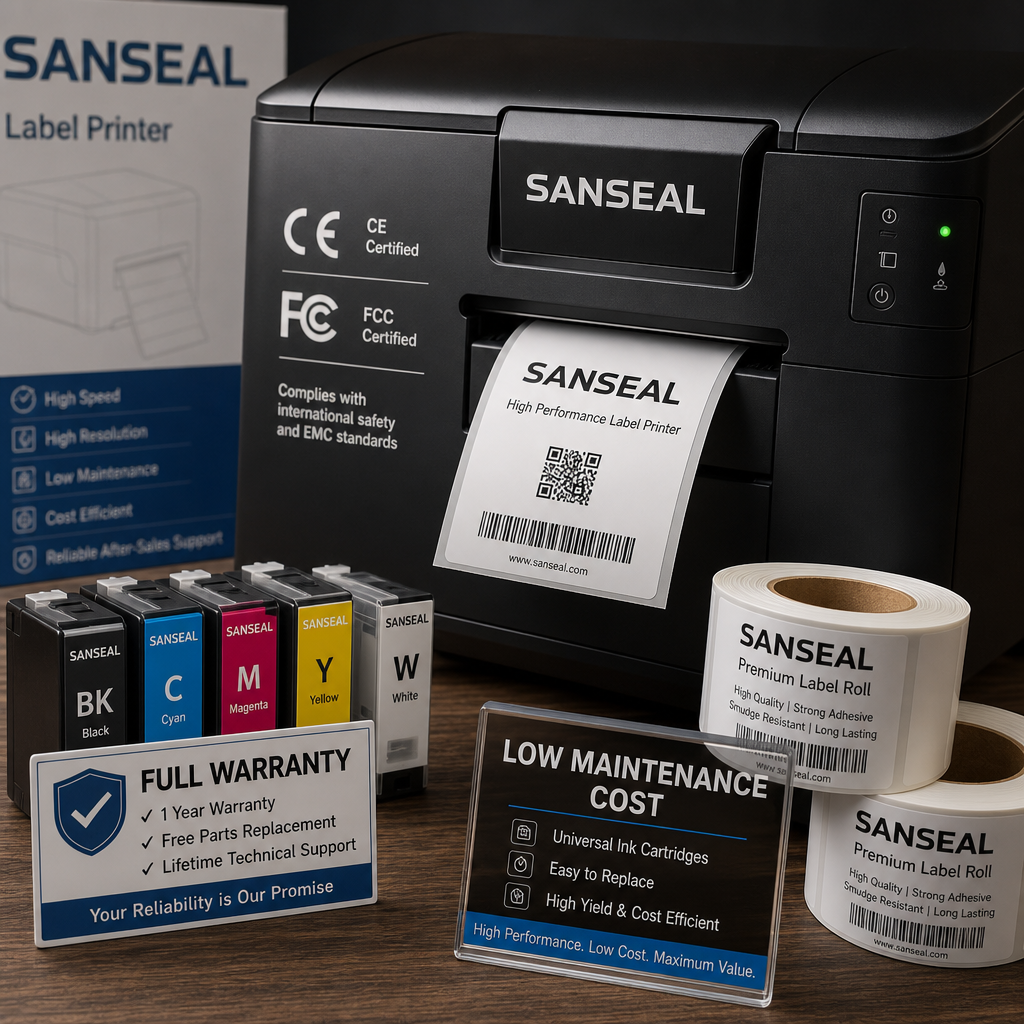
Fourth,Consumable Costs and CompatibilityControl long-term costs. Many low-priced devices have cheap bodies but expensive proprietary consumables with limited procurement channels, leading to extremely high long-term costs. When purchasing, prioritize equipment with universal, cost-effective consumables. Verify whether ink and label paper are universal models available through multiple suppliers to avoid being locked into high-cost proprietary consumables. Our devices use universal consumables that are low-cost, easy to procure, and have low waste rates, significantly reducing your enterprise's long-term operating expenses.
Fifth,Smart Adaptation and Expansion FeaturesMeets digital office needs. Modern commercial printing must support multi-device connectivity and intelligent operations. When purchasing, ensure the device supports Bluetooth, Wi-Fi, and USB connections across mobile phones and computers, as well as features like multi-language systems, batch template printing, custom label editing, and one-click QR code generation. Prioritize devices that support SDK-based secondary development to integrate with enterprise ERP, warehouse management, and POS systems, enabling intelligent linked printing for your digital transformation.
Sixth,Certifications & After-Sales SupportMitigate procurement risks. For foreign trade, cross-border, and commercial scenarios, ensure devices possess authoritative overseas certifications such as CE and FCC to meet export clearance and local compliance standards. Additionally, verify the manufacturer's after-sales support: confirm availability of full-unit warranties, lifetime technical support, dedicated FAE assistance, and rapid fault response to prevent issues like lack of post-purchase support or unresolved technical challenges.